
27 Best Blogging Tools for Bloggers in 2026 (Free & Paid)
Starting a blog is easy. Growing one is hard, especially without the right tools. Every successful blogger has a toolkit behind them: something to write faster, rank higher on Google, design eye-catching images and get each post in front of the right readers.
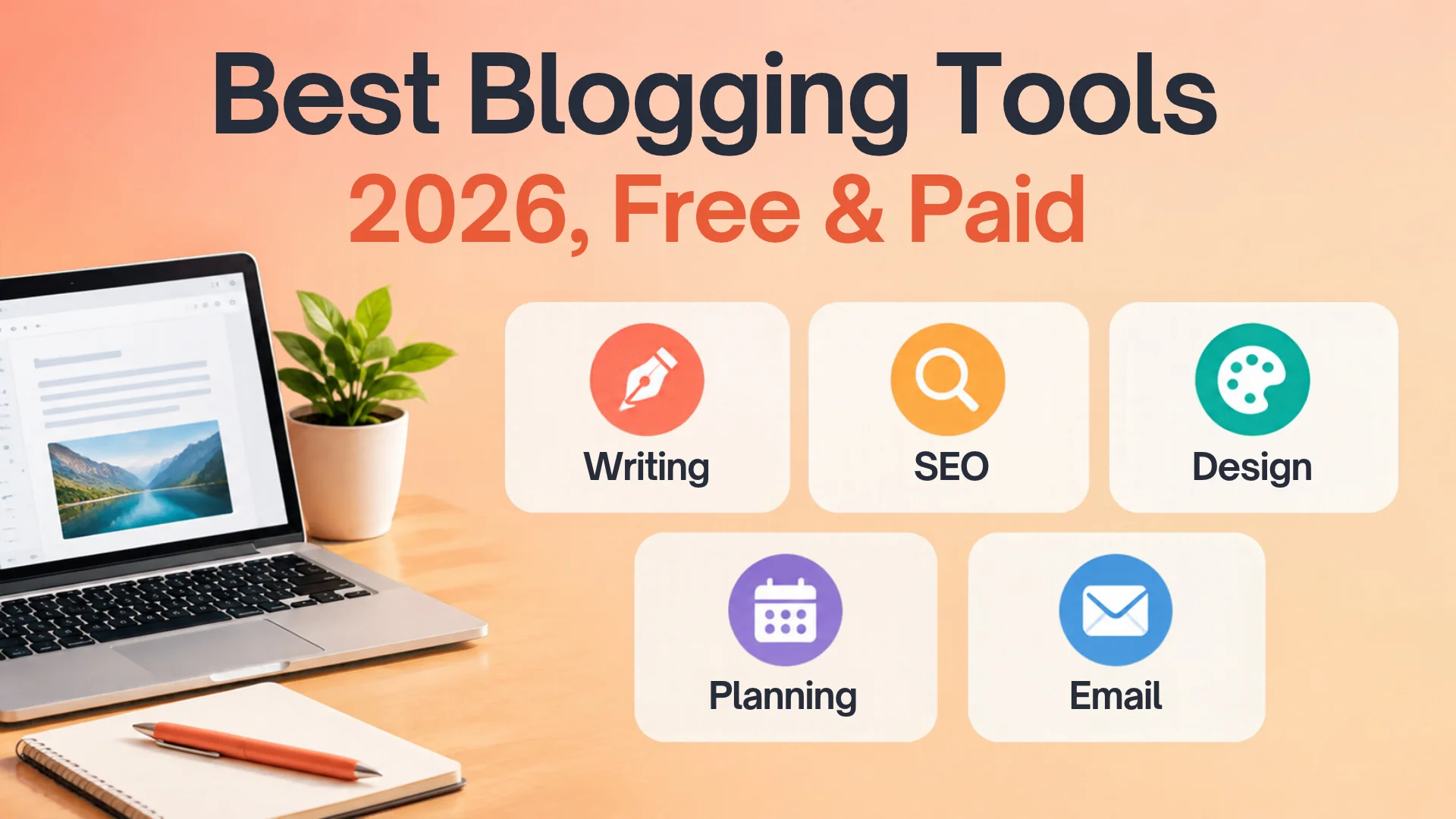
That’s why I put together this list of the 27 Best Blogging Tools for Bloggers in 2026 (Free & Paid). It covers every stage of blogging, from choosing a platform and writing your first post to SEO, AI writing assistants, visuals, video, social media and email marketing.
Whether you’re a beginner on a $0 budget or a content creator ready to go pro, you’ll find the right pick here, with a clear “best for” label on each tool so you don’t waste time or money.
Ready to build a smarter blog? Let’s dive into the 27 best blogging tools for bloggers in 2026 (free & paid) that will save you hours every week. 👇

🧰 Creator Stack · Curated Directory
Contents
- 1. 27 Best Blogging Tools for Bloggers - Tools Directory
- 2. Final Thoughts: Build Your Blogging Toolkit the Smart Way
27 Best Blogging Tools for Bloggers - Tools Directory
From publishing and editing to SEO tracking, visual design, and audience growth, here are practical tools across every stage of running a modern blog—organized into scannable cards with ideal use cases and pricing.
Blogging Platforms
4 ToolsWordPress.org
The most flexible blogging platform, with full control over design, plugins, SEO, and monetization, including AdSense and affiliate links.
Best for: Bloggers who want to grow and earn from their site.
Price: The software is free. You pay for hosting and a domain, usually a few dollars a month to start.
Blogger
Google’s simple blogging platform. You can start in minutes, and it connects directly to AdSense.
Best for: Complete beginners on a $0 budget.
Price: Free.
Wix
A drag-and-drop website builder with blog features built in. No coding needed.
Best for: Creators who want a good-looking site fast.
Price: Free plan with Wix ads and a wixsite.com address. Paid plans cost $17, $29, $39, or $159/month billed yearly.
Squarespace
Polished, designer-quality templates with blogging, e-commerce, and email marketing in one place.
Best for: Photographers, artists, and lifestyle bloggers.
Price: Basic is $19/month billed annually or $25/month billed monthly. There’s no free plan, only a 14-day trial.
Writing & Editing Tools
3 ToolsGrammarly
Catches spelling, grammar, and tone mistakes as you type. It works in WordPress, Google Docs, and your browser.
Best for: Making every post look professional.
Price: Free plan. Pro is $144/year billed annually ($12/month) or $30/month billed monthly.
Hemingway Editor
Highlights long sentences, passive voice, and hard-to-read paragraphs so your writing stays clear and punchy.
Best for: Improving readability and time on page.
Price: The web version is free. Paid desktop and AI plans are available.
Google Docs
A free cloud writing tool with automatic saving, sharing, and comments.
Best for: Drafting posts and working with guest writers.
Price: Free with a Google account.
AI Writing Assistants
4 ToolsChatGPT
Brainstorms topics, builds outlines, drafts sections, and writes meta descriptions in seconds.
Best for: Speeding up research and first drafts.
Price: Free plan. Plus costs about $20/month.
Claude
An AI assistant that’s strong at long-form writing, editing, and analyzing documents. It also handles natural-sounding rewrites well.
Best for: Polishing long articles and keeping a consistent voice.
Price: Free plan. Pro costs about $20/month, or less billed yearly.
Google Gemini
Google’s AI assistant, built into Gmail, Docs, and Search.
Best for: Bloggers who already work in Google tools.
Price: Free plan. Google AI Pro costs about $19.99/month.
Jasper
An AI marketing platform with brand voice, templates, and campaign tools.
Best for: Professional bloggers and small marketing teams.
Price: $69/month billed monthly, or $59/month billed yearly. No permanent free plan, but there’s a 7-day free trial.
SEO & Analytics Tools
6 ToolsGoogle Search Console
Shows which keywords bring you traffic, which pages are indexed, and what errors to fix.
Best for: Every blogger. It’s a must-have.
Price: Free.
Google Analytics 4
Tracks your visitors, traffic sources, top posts, and time on page.
Best for: Finding out what content your readers love.
Price: Free.
Rank Math
A WordPress SEO plugin with schema, redirects, keyword tracking, and on-page SEO checks.
Best for: WordPress bloggers who want all-in-one SEO.
Price: Generous free version. All paid plans are billed annually, with no monthly option. PRO costs around $108/year at the regular price.
Yoast SEO
The classic WordPress SEO plugin, with simple traffic-light feedback on readability and keywords.
Best for: Beginners who want simple SEO guidance.
Price: Free version. Yoast Premium is about $99/year.
Ahrefs Webmaster Tools
A free version of Ahrefs that audits your site and shows your backlinks and keyword rankings.
Best for: Pro-level SEO data at no cost.
Price: Free for verified site owners. Full Ahrefs plans are paid.
Semrush
An all-in-one SEO suite for keyword research, competitor analysis, site audits, and rank tracking.
Best for: Serious bloggers who want to outrank competitors.
Price: Pro is $139.95/month, or $117.33/month on annual billing. A limited free account is available.
Image & Video Creation Tools
4 ToolsCanva
Drag-and-drop design for blog images, Pinterest pins, thumbnails, and social posts, with AI tools built in.
Best for: Fast, eye-catching visuals without design skills.
Price: Free plan. Pro costs $144 a year upfront or $18 a month for one person.
Adobe Photoshop
The professional standard for photo editing, retouching, and advanced graphics.
Best for: Photographers and bloggers who need full creative control.
Price: From about $23/month for the single app.
CapCut
A simple video editor with templates, auto-captions, and effects for Reels, Shorts, and TikTok.
Best for: Turning blog posts into short videos.
Price: Free. A Pro plan is available, and its price varies by region.
Descript
Edit video and podcasts by editing the transcript, like a text document.
Best for: YouTube videos, podcasts, and tutorials.
Price: Free plan. Hobbyist is $16/month billed annually. Billed monthly, plans cost $24, $35, and $65.
Productivity & Planning Tools
3 ToolsNotion
Plan your content calendar, store ideas, track drafts, and manage your whole blog in one workspace.
Best for: Organized bloggers with many projects.
Price: Free plan. Plus costs about $10–12/month.
Trello
Visual boards and cards for an editorial workflow: Ideas → Writing → Editing → Published.
Best for: Simple, visual content planning.
Price: Free plan. Standard costs about $5–6/month.
Miro
An online whiteboard for mind maps, brainstorming, and planning content clusters.
Best for: Mapping topic clusters for SEO.
Price: Free plan with limited boards. Paid plans start at about $8/month.
Social Media & Email Marketing Tools
3 ToolsBuffer
Schedule posts to Facebook, Instagram, Pinterest, LinkedIn, Threads, and more from one dashboard.
Best for: Sharing every new post on social media automatically.
Price: $0 for 3 channels, or $6 per channel per month on Essentials ($5 per channel billed annually).
Mailchimp
A well-known email marketing tool for newsletters, automations, and sign-up forms.
Best for: Small businesses that want an all-in-one email tool.
Price: The Free plan allows 250 contacts and 500 sends a month. Paid plans start at $13/month for Essentials and $20 for Standard.
Kit (formerly ConvertKit)
Email marketing built for creators, with landing pages, sign-up forms, and newsletters.
Best for: Bloggers who want to build an email list for free.
Price: Free for up to 10,000 subscribers. Creator starts at $39/month billed monthly, or $33/month billed yearly, at 1,000 subscribers.
Free Background Remover Studio (dg2market)
Remove image backgrounds in seconds for clean product photos, blog featured images, and Pinterest pins.
Best for: Quick, professional visuals at no cost. | Price: Free.

🧭 Smart Stack Strategy · 2026 Edition
Final Thoughts: Build Your Blogging Toolkit the Smart Way
You don’t need all 27 tools to succeed. You need the right ones for where you are now. The best blogging tools for bloggers in 2026 help you write faster, rank higher, design better visuals, and grow an audience that keeps coming back.
Just Starting Out? Build a $0 Toolkit
Start lean with WordPress or Blogger, Grammarly Free, Google Search Console, Rank Math, Canva Free, and Kit’s free plan. That covers writing, SEO, design, and email without spending a cent.
Ready to Grow? Invest Where Time Matters
Add a paid tool or two where it saves you the most time, such as Canva Pro for visuals, an AI assistant for drafts, or Semrush for keyword research.
📌 Living Resource Note: Prices and features change often, so I’ll keep this list updated throughout the year. Bookmark this page so you always have the latest best blogging tools for bloggers in 2026 in one place.
Share Your Must-Have Blogging Tool
👉 Which tool can’t you blog without? Tell me in the comments. I read every one, and your favorites may make the next update!
📢 share this article
✨ tap to share — help others crack the comment code






As a blogger, Pinterest has been a game-changer for reaching a new audience. What kind of analytics do you track on Pinterest to see which content resonates best with your blog readers?
Love this combo! Pinterest is my go-to for blog post inspiration and driving traffic.
The discussion in “Essential Blogging Tools for Content Creators and Bloggers” is clear and useful. The supporting details make the main points much easier to understand.